 COME
COMECOME preferences when opening on another device
Language and sound controls may need to be reviewed on the device you are using. Do not assume every preference transfers with an account or APK file.
Inspect the current panel
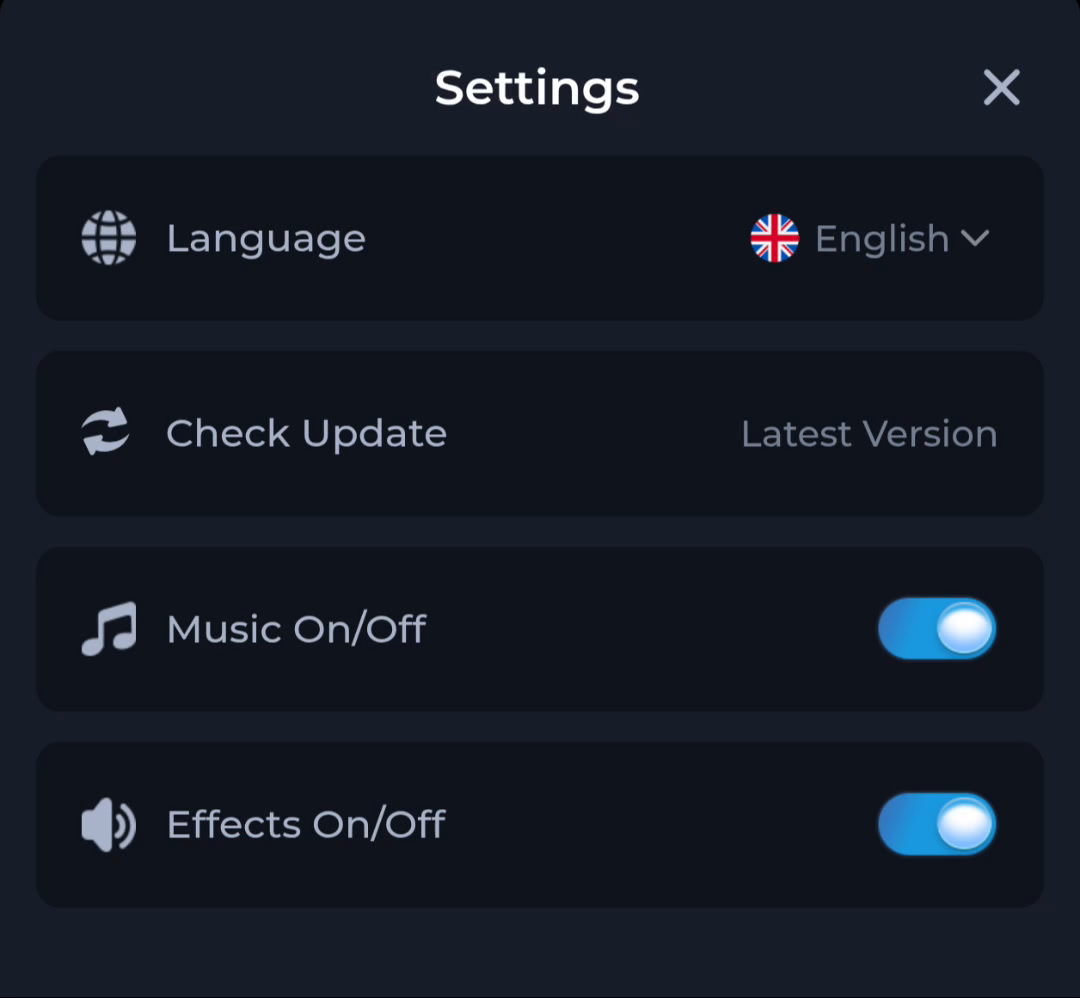
COME Settings shows Language, Check Update, Music and Effects controls. Read the actual choices and states on the new device. A screenshot from the previous phone does not confirm today's settings.
Change one preference
Adjust the relevant control and observe the result before changing another. Phone media volume and system language are separate settings. Keep the app and device scopes clear when something looks or sounds different.
Keep account questions separate
A different language or sound state does not prove that the wrong account is active. Confirm identity through the account route, and use the current help interface if personal records are unexpected.
A useful next step
Review the preferences you need without treating them as evidence of an installation or account failure.